
0 item(s)
YOUR CART
| Basic Information | ||
| Cable Length | 0 Meter | |
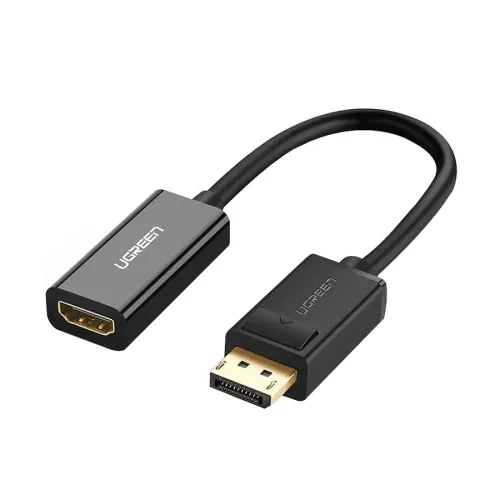
| Input | DisplayPort Male | |
| Output Interface | HDMI Female | |
| Outputs | HDMI Female | |
| Type | Video | |
| Physical Specifications | ||
| Color | Black | |
| Warranty Information | ||
| Warranty | 1 year | |
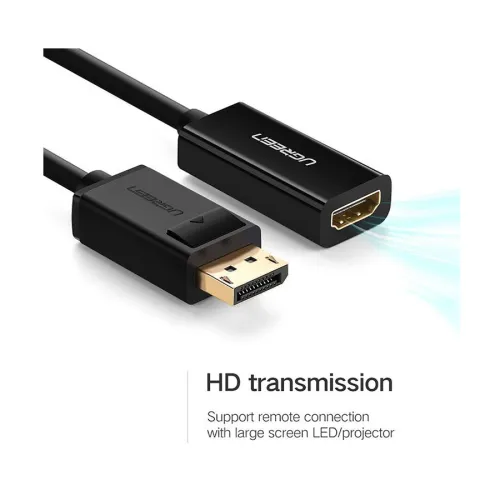
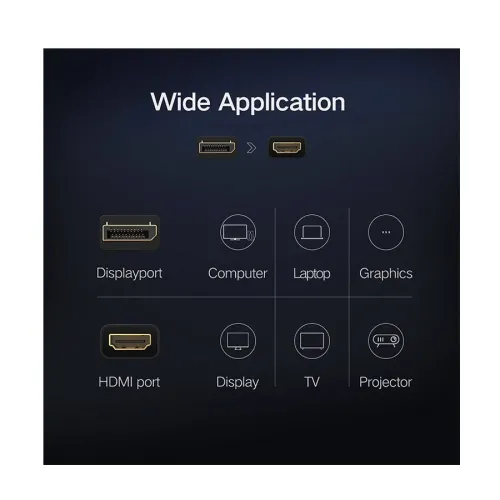
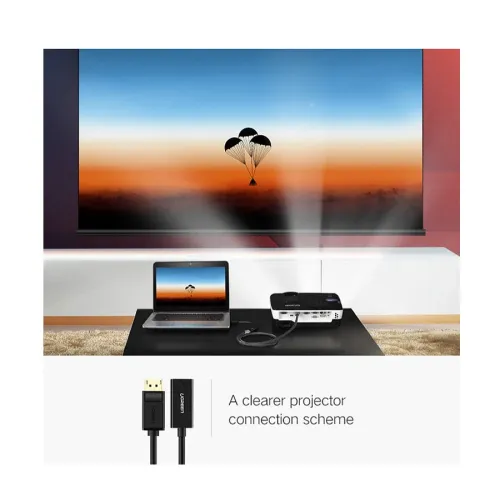
The UGREEN MM137 (40362) is a DisplayPort male to HDMI female converter designed to help you connect a DisplayPort-equipped computer to an HDMI monitor, projector, or display setup. If you have an older HDMI display but your laptop/desktop only provides DisplayPort output, this converter bridges the connection so you can enjoy a straightforward, reliable video link without complicated setup steps.
With its DisplayPort male input and HDMI female output, the converter supports a practical “plug and play” workflow. That means you can typically connect the devices and start using them right away, making it convenient for home entertainment, office presentations, and classroom or meeting-room setups where quick display switching matters.
This model is specified for 1920 x 1080 resolution, delivering crisp visuals for everyday tasks such as browsing, document work, and standard multimedia playback. For users who want a dependable 1080p connection—especially when pairing a DisplayPort source with an HDMI display—this converter is a simple solution that keeps your setup functional and organized.
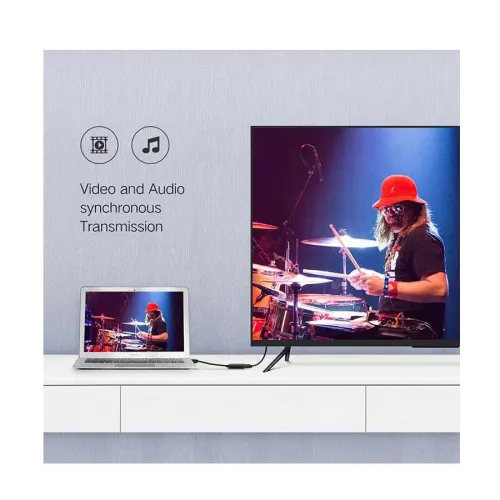
The UGREEN MM137 is built to provide high-quality video and audio transmission between DisplayPort and HDMI devices. This is particularly useful when you want sound to accompany the video on your HDMI monitor or projector, reducing the need for extra audio cables in many common setups.
Designed with a durable build and a compact form factor, the converter is easy to keep in a bag or desk drawer. Compared to bulky adapters, a compact DP-to-HDMI converter helps maintain a cleaner workspace and makes it more convenient for travel, client meetings, or switching between home and office display devices.
1) Check your source port: Confirm your computer/laptop has a DisplayPort output (male). 2) Check your display port: Ensure your monitor or projector has an HDMI input (female side on the display). 3) Match your resolution needs: If you primarily use 1080p displays, this converter aligns with the stated 1920 x 1080 support. 4) Plan your cable layout: Since the cable length is listed as 0 meter, consider your existing cable lengths and placement to achieve a comfortable connection distance.
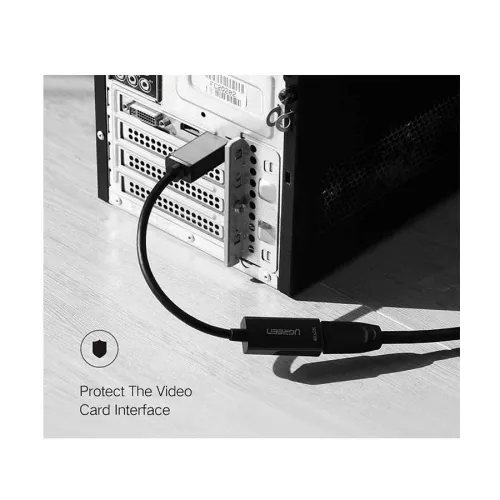
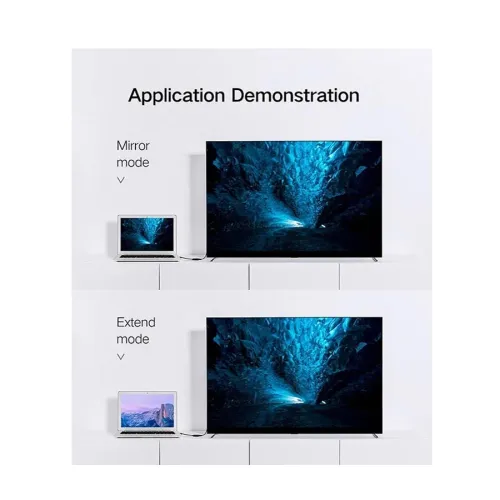
Connect the DisplayPort male side to your computer’s DisplayPort output, then connect the HDMI female side to your HDMI monitor or projector. Once connected, use your display settings as needed to select the correct output source and enjoy your extended or mirrored screen.
In Bangladesh, the UGREEN MM137 (40362) DisplayPort Male to HDMI Female Converter starts from 800 (price may vary based on customization and product availability). For reliable DP-to-HDMI conversion for home, office, or institutional use, it’s a practical choice when you need a dependable adapter for 1080p display connections.
Get specific details about this product from customers who own it.
