
0 item(s)
YOUR CART
| Basic Information | ||
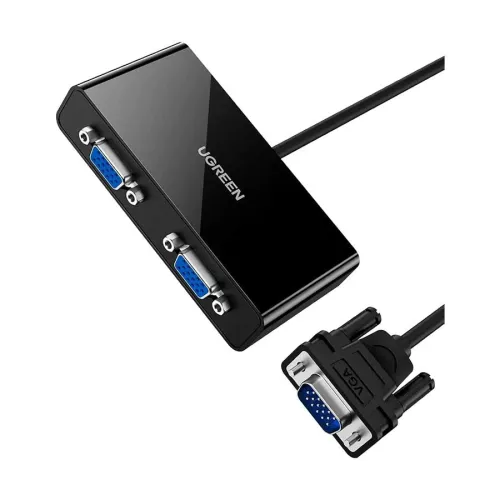
| Interface / Port | VGA Male to Dual VGA Female (1 in 2 out) | |
| Cable | 1 Meter | |
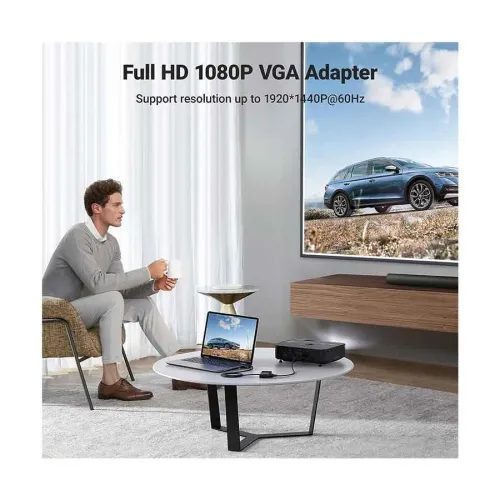
| Other Features | QHD (1920 x 1440) resolution support | |
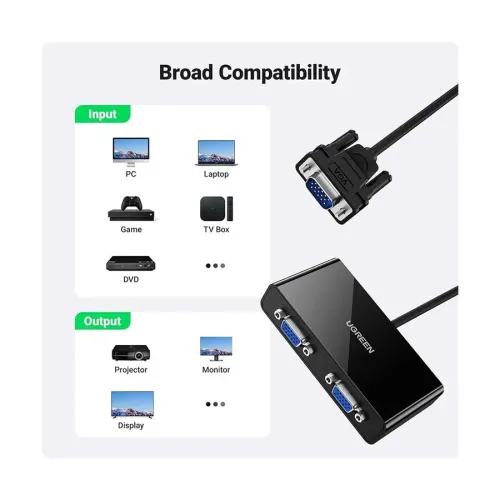
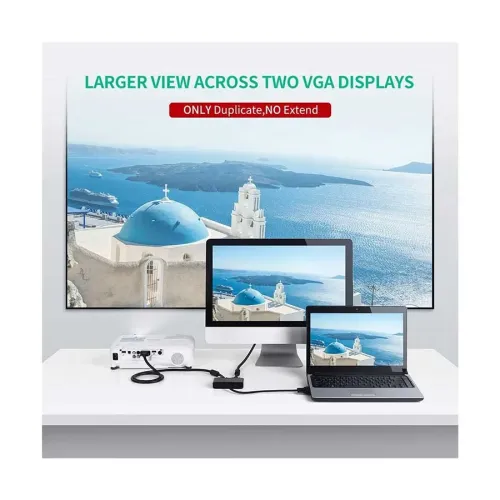
The UGREEN 40254 (20918) VGA Male to Dual Female Black Splitter is designed to distribute a single VGA video source to two VGA displays at the same time. If you need to mirror presentations, extend a classroom/meeting setup, or share the same desktop output across two monitors, this VGA splitter helps you achieve that with a simple plug-and-play connection—no extra software required.
Video Type: This is a dedicated VGA video splitter, built for analog video signal distribution. It takes one VGA Male input and provides two VGA Female outputs, making it ideal for setups where you want synchronized viewing on two screens.
Length: The cable length is 1 meter, which suits many common desk and meeting-room layouts. For example, it’s convenient when your VGA source (like a laptop with VGA output or a VGA-based media device) is placed near the displays, helping reduce cable clutter while keeping connections tidy.
Interfaces / Ports: Input is VGA Male and outputs are VGA Female (1 in / 2 out). This port pairing makes it straightforward to connect typical VGA-equipped computers, projectors, or monitors that accept VGA input.
Resolution Support: The splitter supports up to QHD (1920 x 1440). This makes it suitable for clear, detailed visuals compared to lower-resolution VGA distribution setups, which can be especially noticeable when viewing text-heavy content such as spreadsheets, documents, and slide decks.
Color: The black finish blends well with most home office, corporate, and classroom environments, keeping the setup looking clean and professional.
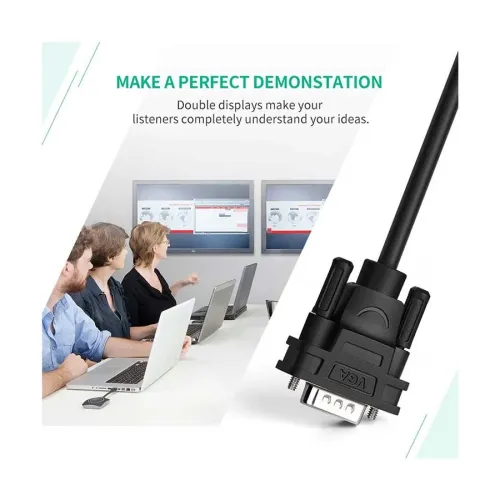
Compared to using two separate video outputs (when available), a VGA splitter is a practical solution when your source device only provides one VGA output but you still want two displays showing the same content. It’s commonly used for dual-screen mirroring in meetings, training sessions, and small control-room style setups where consistent visuals matter.
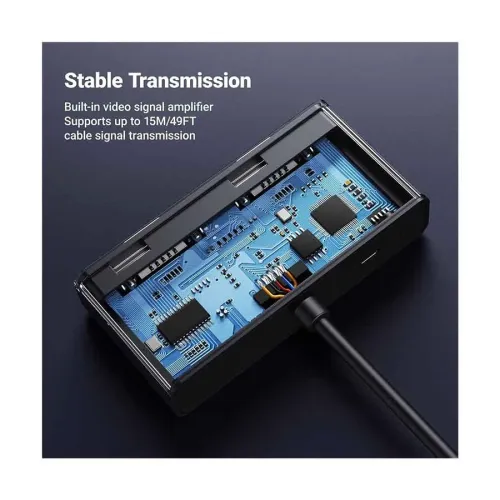
For best results, ensure both connected displays support VGA input and that your source device is set to output the desired resolution. If you’re connecting a projector and a monitor together, verify their supported resolutions to help maintain stable, sharp output—this is particularly important for text clarity and presentation readability.
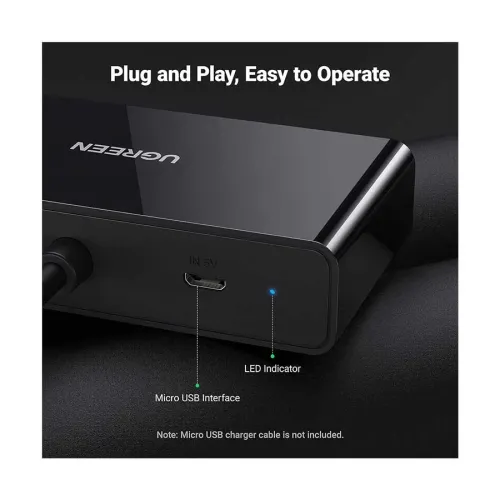
Installation is straightforward: plug the VGA Male end into your VGA source, then connect two VGA Female cables to your two displays. Because it’s plug and play, it’s a convenient choice for quick setup in offices, classrooms, and home entertainment spaces where you want to start using the system immediately.
Upgrade your multimedia distribution with the UGREEN 40254 VGA splitter and create a synchronized dual-display experience for work, learning, and presentations.
Get specific details about this product from customers who own it.
