0 item(s)
YOUR CART
| Basic Information | ||
| Type | DDR4 | |
| Capacity | 8GB | |
| BUS Speed | 3733MHz | |
| Operating voltage | 1.2V | |
| Physical Specification | ||
| Dimensions | 6.42 x 5.24 x 1.06 inches | |
| Warranty Information | ||
| Warranty | Limited Lifetime | |
Upgrade your desktop performance with the Gigabyte AORUS RGB Memory DDR4 8GB kit running at 3733MHz. Designed for stability and speed, this dual-channel memory kit helps your system handle everyday multitasking smoothly—whether you’re browsing with many tabs, working on documents, or running demanding applications that benefit from faster memory bandwidth. With DDR4 technology and a rated 1.2V SPD voltage, it’s built to integrate cleanly into compatible desktop setups while delivering a noticeable performance boost compared to slower RAM configurations.
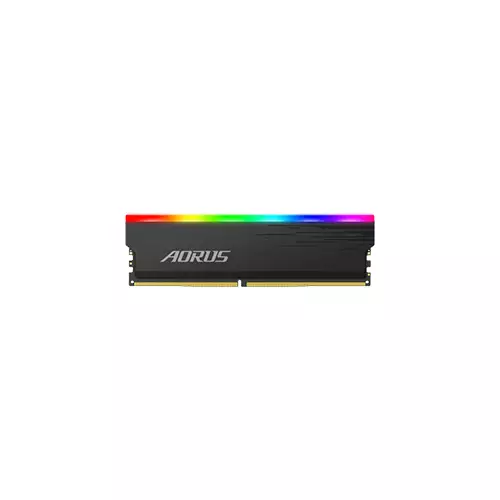
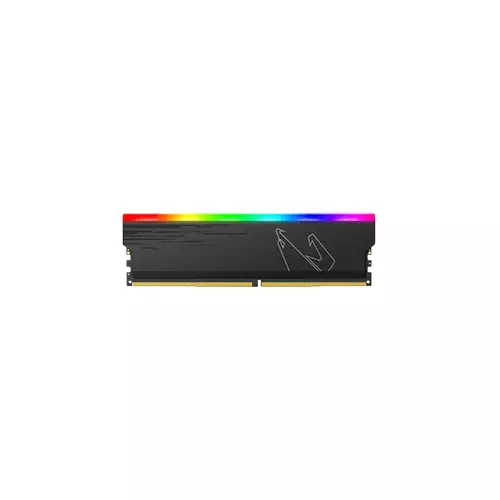
The AORUS RGB memory features diffused RGB LEDs paired with aluminum heatsinks, combining effective heat dissipation with a premium visual look. The lighting diffuser adds a balanced, polished glow, making it ideal for users who want their PC to look as impressive as it runs. Compared to basic non-RGB modules, this kit adds personalization without sacrificing the practical goal of maintaining stable operation under load.
Built on a ten-layer, carefully engineered PCB, the AORUS RGB memory kit is designed to support stable performance from the memory ICs. The heatsink construction uses high-quality materials to improve heat dissipation, which helps maintain reliability during longer sessions such as gaming marathons, content creation workflows, or intensive multitasking. If you’re building a system that needs consistent responsiveness, this design focus makes it a strong choice for daily use.
This AORUS RGB memory supports 12 lighting modes, including 5 new exclusive lighting effects: Color Strobe, Cascade, Color Cascade, Droplet, and Color Droplet. These effects let you match your desktop aesthetic—whether you prefer subtle ambience or more dynamic visual patterns. Note that lighting effects shown for demonstration purposes may vary by model, so the final look can depend on your specific configuration.
For users who want to get the most from their RAM, you can configure memory profiles in BIOS. Under BIOS Mode, choose Tweaker and select memory profile 1, then enable Advanced Memory Settings and save changes before exiting. This approach can help ensure your system runs the memory at its intended settings. Always check the compatible model list in the support information to confirm compatibility with your motherboard.
This Gigabyte AORUS RGB DDR4 8GB 3733MHz dual-channel kit is a great fit for desktop users who want a balance of speed, stability, and style. It’s especially suitable for upgrading an existing DDR4 system where you want improved responsiveness in everyday tasks and performance-sensitive workloads. If you’re aiming for a cleaner, more modern build with RGB accents, the heatsink and lighting effects make it an easy upgrade—while the 1.2V SPD rating supports straightforward integration in compatible setups.
Get specific details about this product from customers who own it.