
0 item(s)
YOUR CART
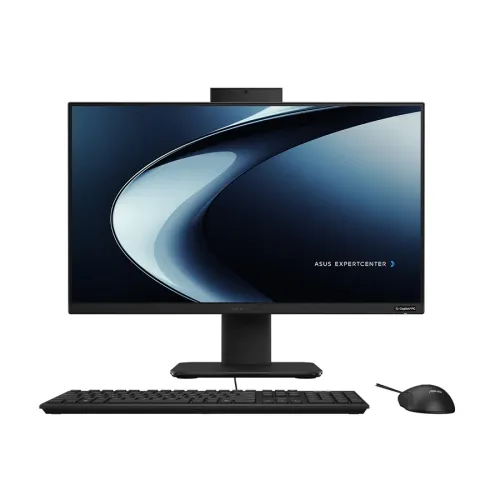
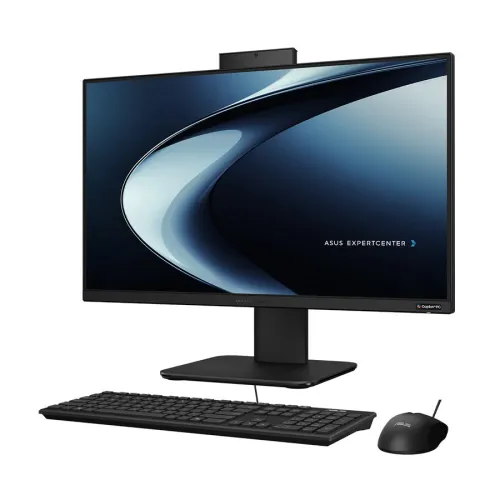
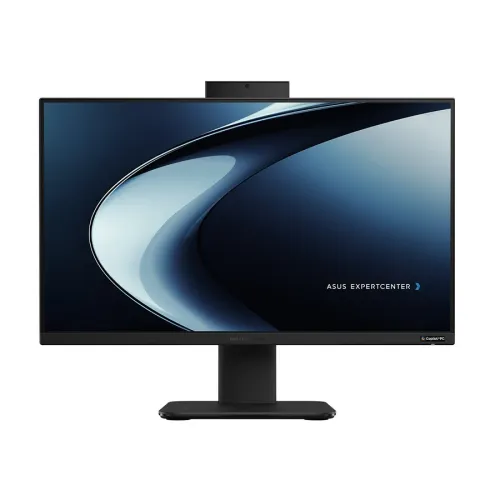
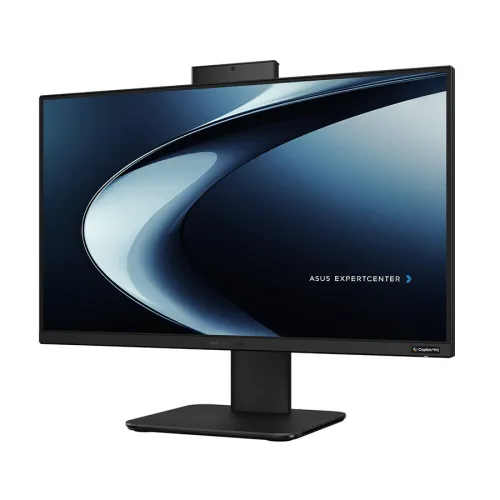
| Basic Information | ||
| Processor | AMD Ryzen AI 5 330 | |
| RAM | 16GB | |
| Storage | 512GB SSD | |
| Graphics | Shared | |
| Monitor | 23.8 Inch FHD 100Hz Display (1920 x 1080) | |
| Power | 120W | |
| Operating System | Free-Dos | |
| Others | Display: LED BACKLIT, 250NITS, SRGB: 100%, 100HZ WV DISPLAY, M.2 2280 NVME PCIE 4.0 SSD,US MIL-STD 810H. | |
| Connectivity | ||
| LAN | 1x RJ45 Gigabit Ethernet | |
| WiFi | Intel WI-FI 7(802.11BE) (TB) 2x2 | |
| Bluetooth | Bluetooth 5.4 | |
| Input Device | ||
| Keyboard | Wired Keyboard | |
| Mouse | Wired Mouse | |
| Optical Drive | No | |
| Physical Specification | ||
| Color | Black | |
| Warranty | ||
| Warranty | 3 Year (Box Mandatory While Claiming) | |
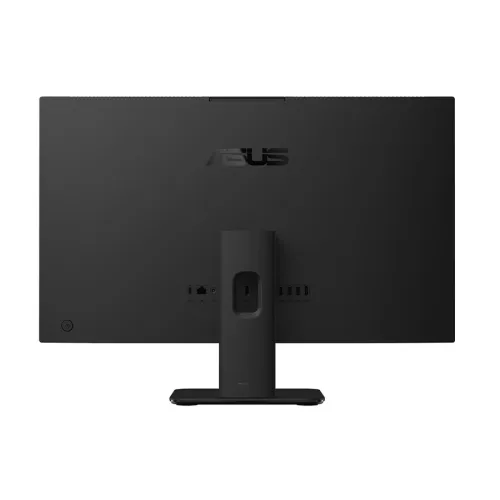
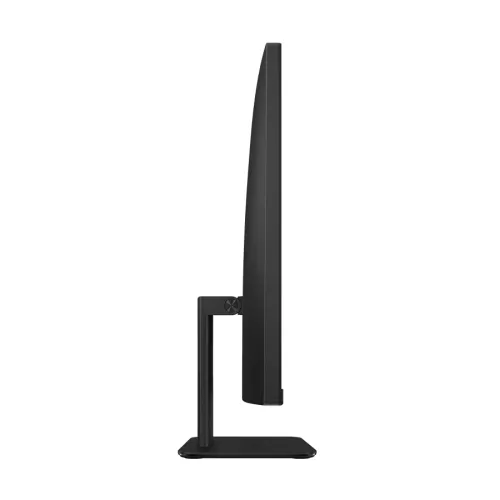
The Asus ExpertCenter PM600 AiO PM640KA is a streamlined all-in-one desktop designed for everyday business computing, making it ideal for offices, corporate workstations, and institutional setups. With a 23.8-inch FHD display and a smooth 100Hz refresh rate, it delivers a comfortable viewing experience for long work sessions—whether you’re working on spreadsheets, handling documentation, or running day-to-day productivity applications. Its compact all-in-one design helps reduce desk clutter compared to traditional desktops, while still offering a complete computing setup in one unit.
This model features a 23.8-inch screen with a resolution of 1920 x 1080, providing clear text and sharp visuals for typical office tasks. The 100Hz display refresh rate supports smoother on-screen motion compared to standard 60Hz panels, which can feel more responsive when scrolling through documents, navigating dashboards, or using interactive software. For users who spend hours in front of the monitor, the larger screen size also helps improve readability and reduces the need to constantly zoom in and out.
Equipped with 16GB RAM, the Asus ExpertCenter PM600 PM640KA is well-suited for multitasking in professional environments. You can comfortably switch between common office applications, keep multiple tabs and documents open, and handle routine workloads without feeling constrained. For storage, it includes a 512GB SSD, offering fast boot times and quicker access to files and applications compared to HDD-based systems. This makes it a practical choice for users who frequently open large spreadsheets, load presentations, or manage data-heavy folders.
The graphics memory is listed as shared, which typically aligns with integrated graphics solutions designed for productivity-focused use. This configuration is generally a strong fit for office applications, web-based work, and general multimedia tasks. If your workflow involves light creative work or presentations, the system can still be a dependable everyday workstation—especially when paired with the FHD 23.8-inch display for a balanced viewing experience.
As an all-in-one PC, the Asus ExpertCenter PM600 PM640KA helps simplify setup and cable management. Instead of separating the monitor and system unit, everything is consolidated into one device, which can be especially helpful in shared office spaces, reception areas, or training rooms. This design also makes it easier to maintain a tidy workstation layout, while supporting a consistent user experience across teams.
This Asus ExpertCenter all-in-one is a good match for professionals and organizations looking for a reliable desktop replacement for office work. It suits users who prioritize a large FHD display, smooth day-to-day navigation with a 100Hz panel, and a fast SSD for quick access to files. If you’re upgrading from older HDD systems or smaller displays, the 512GB SSD and 23.8-inch screen can noticeably improve responsiveness and comfort during daily tasks.
In Bangladesh, the price of the Asus ExpertCenter PM600 AiO PM640KA starts from 140,000, and it may vary depending on customization and product availability. For office, corporate, or institutional purchases, PQS Computers provides customized solutions along with fast delivery and dependable after-sales service. Their PQS Care team can assist with troubleshooting, technical support, and configuration guidance—helping you get the most out of your workstation setup.
Get specific details about this product from customers who own it.
